


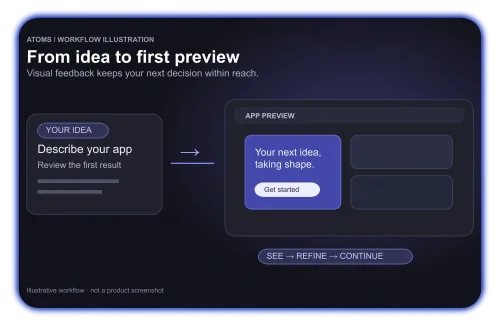
Less waiting. Faster first feedback.
Move from your prompt into a first-screen preview with more immediate feedback. See the direction early and keep refining without losing momentum.
 Lovable
Go from idea to a working product with responsive preview feedback and a structured multi-agent workflow. Atoms brings your backend, growth tools, and code ownership together, so you can keep building beyond the first version.
Trusted by customers from


Move from your prompt into a first-screen preview with more immediate feedback. See the direction early and keep refining without losing momentum.

Researcher, Architect, PM, and Engineer agents collaborate in a structured build pipeline. Use Team Mode to coordinate specialists, Race Mode to compare parallel approaches, and Goal to focus on the outcome.
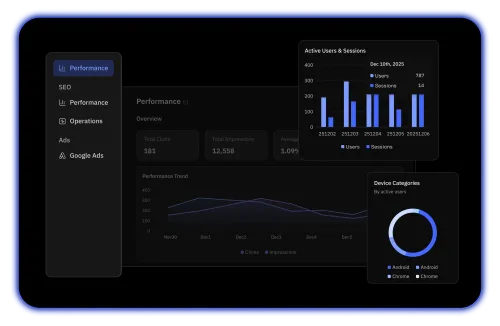
SEO-friendly SSR, GA4 dashboard, and Search Console integration drive organic traffic post-launch. Keep acquisition and growth alongside the product you build.
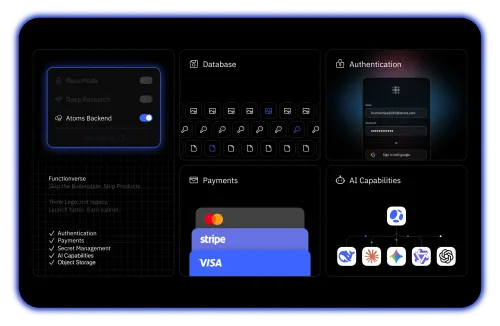
Built-in auth, database, Stripe payments, and hosting — ship real products, not mockups. Refine page elements with Visual Editor and keep generated resources close at hand in Assets.

Export to GitHub anytime. No vendor lock-in — fork, extend, or migrate on your terms.
| Feature | Atoms | Lovable | What this means for you |
|---|---|---|---|
| Role-based Team Mode | A dedicated team workflow brings product, architecture, engineering, and growth roles into one build. | No dedicated role-based Team Mode. Read-only research subagents assist the main building agent. | Spend less time coordinating specialists and carrying context between separate tools. |
| Race Mode: compare model outputs | Run multiple models on the same request and compare their results side by side. | No dedicated side-by-side model race. Parallel research tasks do not compare competing app builds. | Choose a stronger starting point by comparing alternatives before committing to one direction. |
| First-screen preview | Quicker first-screen preview transitions, with more immediate visual feedback to keep iteration moving. | Live preview is available; update timing depends on the build task. No controlled speed benchmark is claimed. | Spot mismatches early and keep your train of thought while refining the first result. |
| Slides, Game & Video shortcuts | Separate product entry points let you choose the output format before starting. | Request output through chat; no separate Slides, Game, and Video product bar. | Turn one idea into a presentation, game, or video without figuring out a new starting workflow. |
| Paid entry plan | From $20/month for 100 credits. | From $25/month for 100 credits; credits are not a like-for-like measure of usage. | Start with a lower monthly subscription; compare actual usage costs as your workload grows. |
| Growth & SEO tools | SEO Agent, SSR, GA4, and Search Console bring search visibility and measurement into the product workflow. | SEO and AEO tools help audit and optimize discoverability. | Help people discover your product and measure which acquisition efforts bring users. |
| Market research workflow | A built-in Deep Researcher agent supports market investigation before and during product development. | Web research and read-only subagents gather information for the main agent. | Check customer needs and market assumptions before spending more time building. |
| Goal-driven execution | Goal mode keeps a defined outcome at the center of the workflow. | Use /goal to start an autonomous run toward a specified outcome. | Keep longer tasks focused on the outcome you want to achieve. |
| Generated resource management | The Assets panel brings multimodal resources from the conversation into one place. | The Files tab organizes project files, with previews, downloads, and collections. | Find and reuse generated materials without retracing the entire conversation. |
| Visual page editing | Select application elements in Visual Editor and make focused changes in context. | Select elements, edit text inline, or annotate changes in the preview toolbar. | Fix small layout and content details without describing their position in a long prompt. |
| Payments integration | Low-configuration Stripe integration without manually entering API keys. | Built-in payments, or connect your own Stripe account using an API key. | Accept payments from customers and test a business model inside your app. |
| Backend & database | Atoms Cloud combines the database and hosting with the app-building workflow. | Lovable Cloud provides a managed backend; a Supabase integration is also available. | Save application data and run a working product without assembling every backend service yourself. |
| User authentication | Built-in authentication through Atoms Cloud. | Built-in authentication through Lovable Cloud. | Let users sign in and access their own accounts and data. |
| Deployment & custom domains | Publish from Atoms and connect a custom domain. | Publish from Lovable and connect a custom domain. | Share a live product under your own domain and put it in front of real users. |
| Code ownership & export | Full code export and GitHub sync let your team continue development outside Atoms. | GitHub sync lets you keep the code and continue development outside Lovable. | Keep the freedom to extend, move, or maintain your product with your own development team. |
See an initial direction while your intent is fresh. Responsive preview feedback helps you spot mismatches early; Visual Editor and Assets reduce the effort of describing changes and finding generated materials.
Bring research, planning, and engineering into one workflow with Team Mode. Compare approaches with Race Mode, or keep a defined outcome in view with Goal, so you spend less time organizing separate attempts.
Move beyond a page into a working product with authentication, database, payments, and hosting in the same platform. Spend less time connecting separate services before your first users can try the app.
Keep your product open to continued development through GitHub sync and full code export. Your team can inspect, extend, and migrate the code as the application grows.
Keep improving after launch with SSR, SEO tooling, GA4 dashboards, and Search Console integration. Build a workflow for attracting users and learning from traffic alongside shipping features.
Evaluate the complete path from building to running a product: the subscription, backend services, integrations, and ongoing maintenance. Atoms brings core services together, reducing the number of separate tools to manage; actual cost depends on your plan and usage.
Build, launch, and grow a full-stack product with responsive preview feedback and a multi-agent workflow.
Choose the workflow, services, and ownership options that fit your product and team.
Get to know the workspace, then take your website from a first idea to a live link.
Tell Atoms who the website is for, which pages you need, and what visitors should be able to do.
Review the layout and content, then request specific changes. Check the mobile view as well.
Replace sample content, test links and interactions, then publish a link to your website.
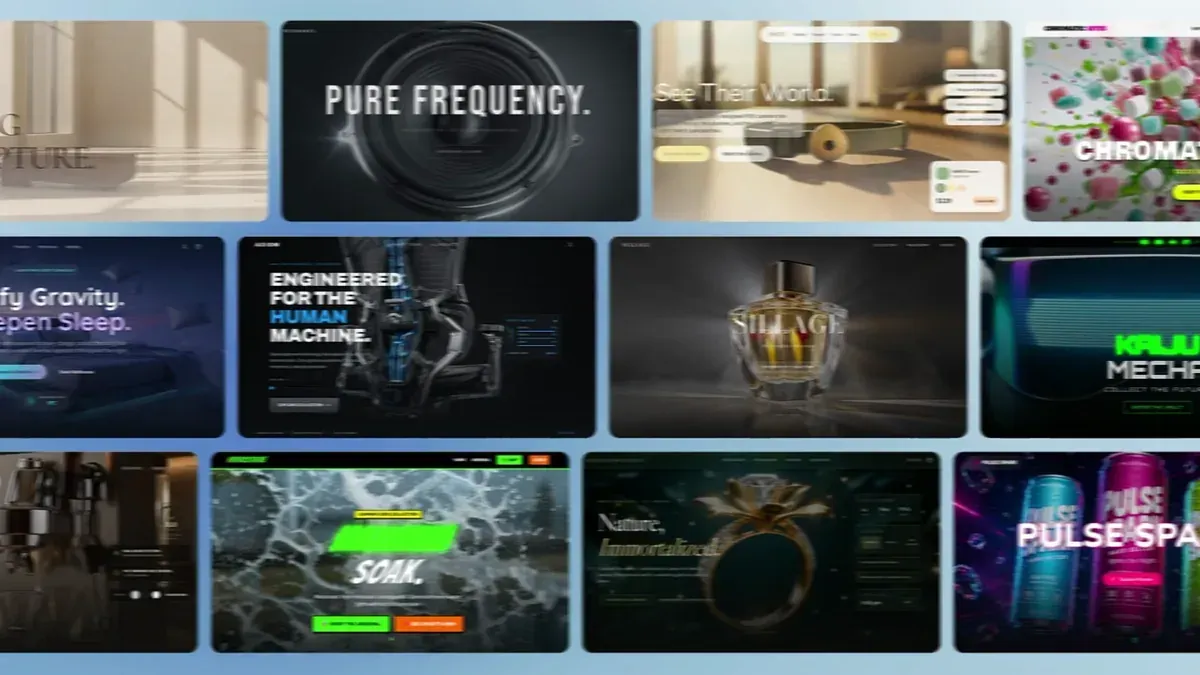
Explore a live website, then remix the project to make it your own.
See our Help Center for more info
Start with your own idea, or choose a website example and remix it into something yours.
